

.webp "Warm air heater EC fan controller")
.webp "Hot air heater controller EC fan")
.webp "Warm air heater controller EC fan")
.webp "Controller hot air heater EC fan")
.webp "Controller warm air heater with EC fan")
.webp "Controller air heater with EC fan")

EU declaration conformity
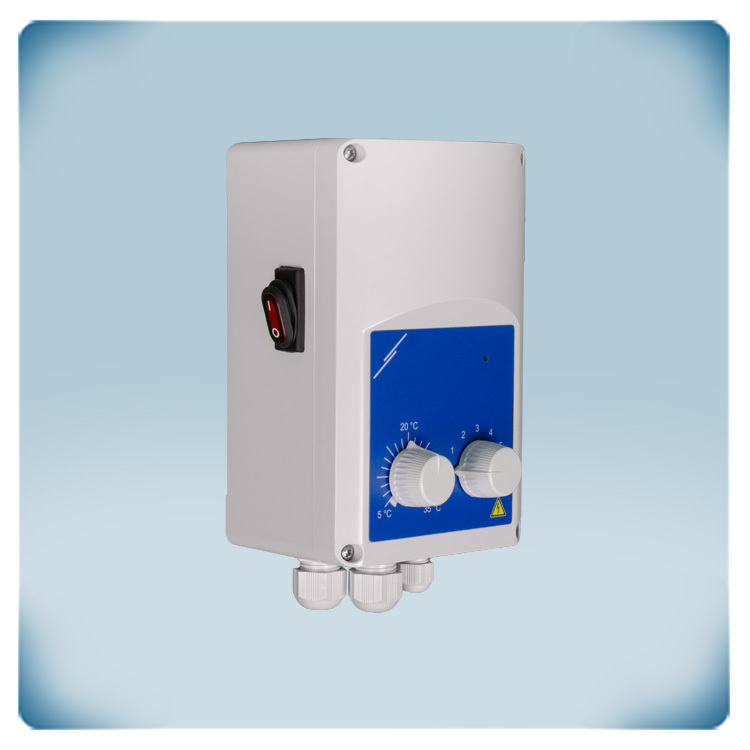
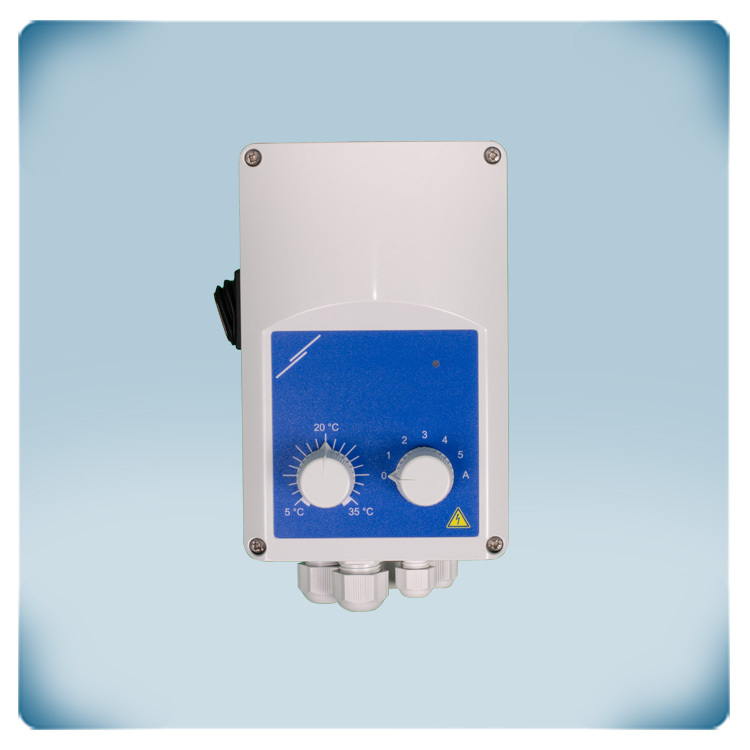
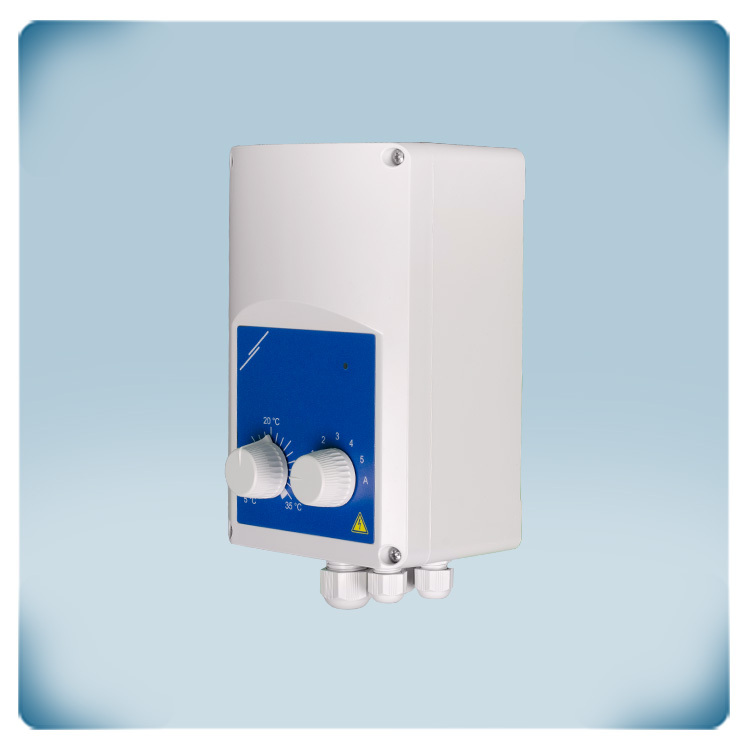
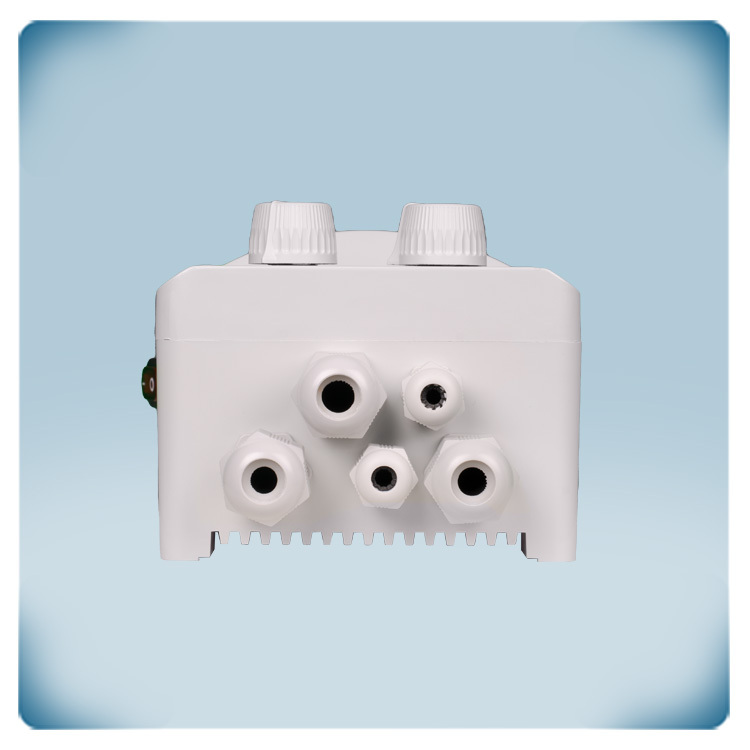
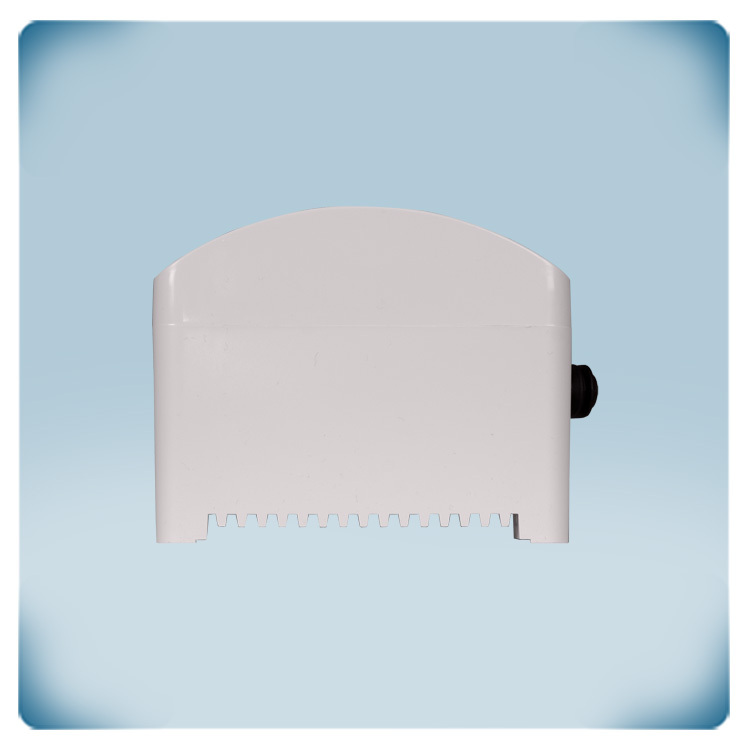
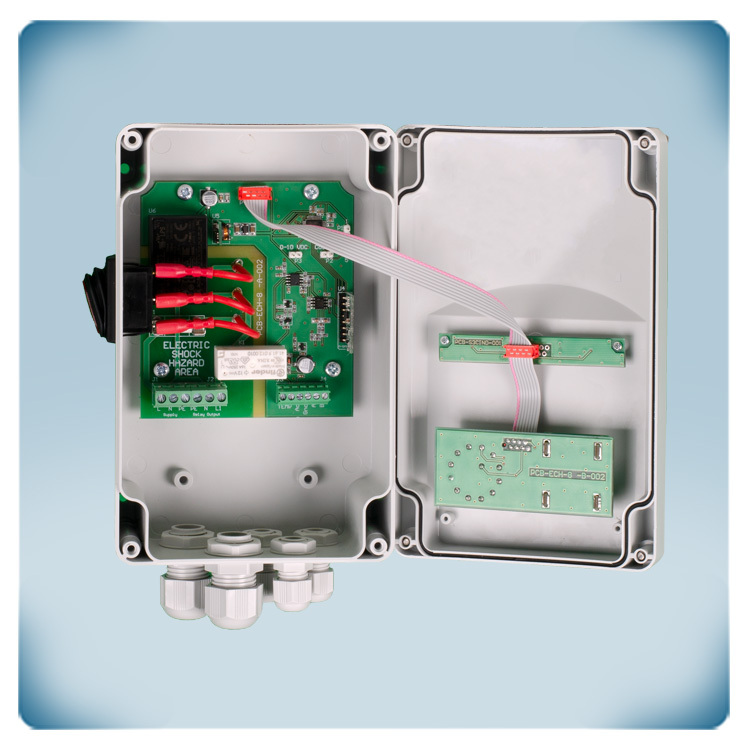
Air heater / cooler controller | EC fans
Product description
ECH-8-DM is a temperature controller for air heaters and coolers with EC fans, designed for warehouses and industrial spaces. When the temperature setpoint is reached, the fan starts up.
A rotary knob on the front panel allows users to set a temperature between 5°C and 35°C.
The fan speed can be controlled automatically based on the ambient temperature or manually with five different speed steps.
The relay output controls a water valve, air conditioning or a heater. Heating or cooling mode can be selected via Modbus or a jumper.


Additional specifications and description
How Does ECH-8-DM Controls Heating or Cooling Devices?
This controller can be used to cool or heat spaces. The controller features an analogue 0-10 Volt output for controlling EC fan speed, as well as an unregulated output for activating cooling or heating. When activated, the unregulated output offers the supplied voltage (in the range of 85 - 230 VAC). The maximum load is 10 A.
- In heating mode, the EC fan and the heating (unregulated output) are activated when the ambient temperature is lower than the requested setpoint temperature.
- In cooling mode, the EC fan and the cooling (unregulated output) are activated when the ambient temperature is higher than the requested setpoint temperature.
Cooling or heating mode can be activated via Modbus communication or via a jumper. The default mode is heating.
What Are the EC Fan Speed Settings and Output Options on this product?
What Are the EC Fan Speed Settings and Output Options on this product?
Electronically Commutated (EC) fans are energy-efficient devices commonly used in HVAC systems.
EC fan speed can be controlled via the 0-10 Volt analogue output. EC fan speed can be manually set via the rotary switch on the front panel. There is the possibility to select one of the five available fixed speeds, there is an OFF position and automatic mode.
EC fan speed can be controlled via the 0-10 Volt analogue output. EC fan speed can be manually set via the rotary switch on the front panel. There is the possibility to select one of the five available fixed speeds, there is an OFF position and automatic mode.
- When a fixed speed is selected, the fan will start running at the selected speed as soon as the temperature setpoint is exceeded.
- In automatic mode, EC fan speed is regulated automatically based on the ambient temperature. The higher the difference between the ambient temperature and the setpoint temperature, the higher the fan speed.
The controller also features the so-called remote mode. It turns off all user interfaces except Modbus RTU communication. After remote mode has been selected (via Modbus holding register 20), the RGB LED indication, the analogue output and unregulated output states are controlled by Modbus master device via holding registers 21 - 24. In remote mode the analogue output range can be selected via a jumper or via Modbus communication: 0 - 6 VDC or 0 - 10 VDC.
How does the remote control work?

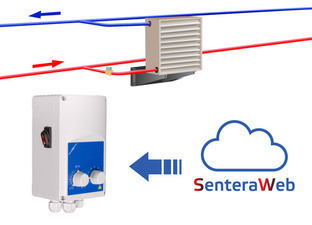
When remote mode is active, EC fan speed, the unregulated output and the LED indicator are controlled via the relevant Modbus holding registers. By adjusting the value in the Modbus registers via the SenteraWeb cloud or via a BMS system, fan speed can be adjusted and the unregulated output can be activated or deactivated. To connect the ECH controller to SenteraWeb cloud, an optional internet gateway is required. Remote control mode disables all user interfaces on the front panel. Remote control mode can be activated by writing value 1 in Modbus holding register 20.
What makes the enclosure reliable?
The enclosure is made of premium-quality r-ABS plastic. This material is exceptionally heat resistant, very tough and offers good protection against impacts. The enclosure can be surface mounted and offers an IP54 protection against ingress of dirt, dust and moisture.
The ECH features an RGB LED status indicator on the front panel. As standard, green indication denotes perfect operation, while red light warns of issues. For further details, please refer to the product datasheet.
What additional features are required?
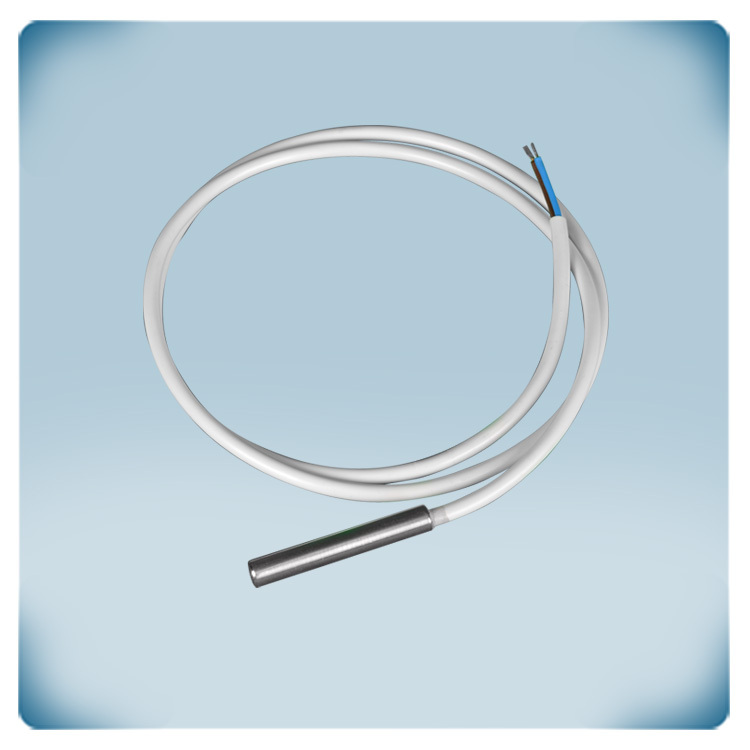
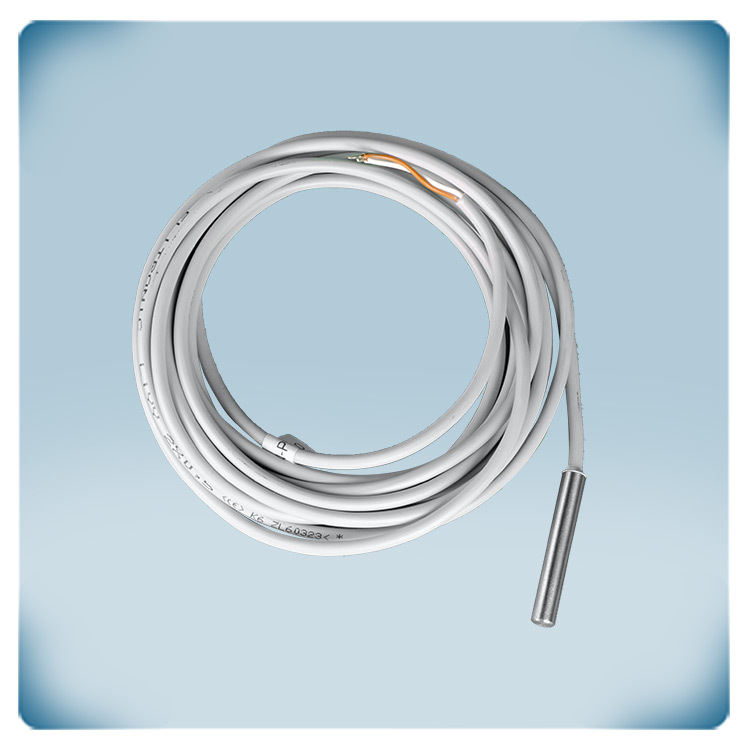
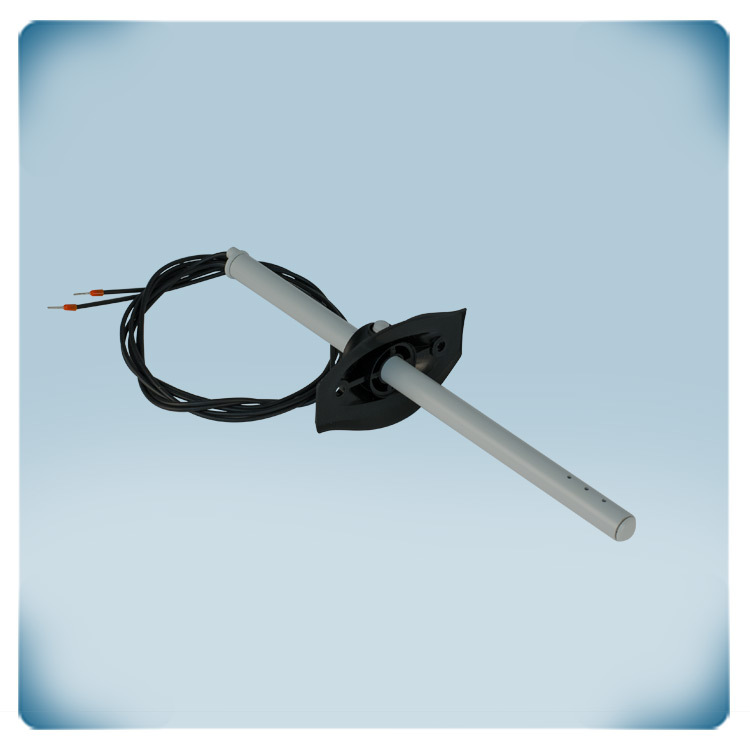
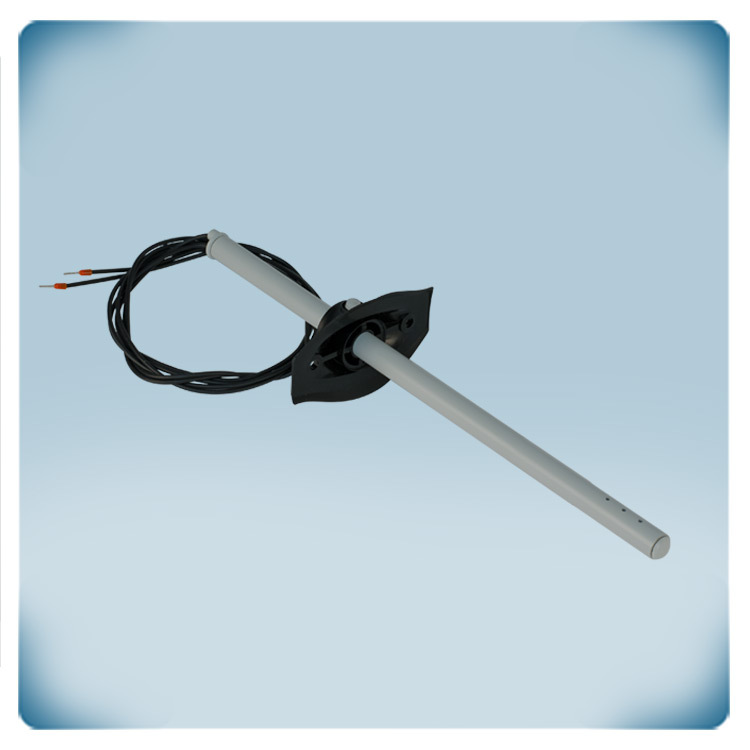
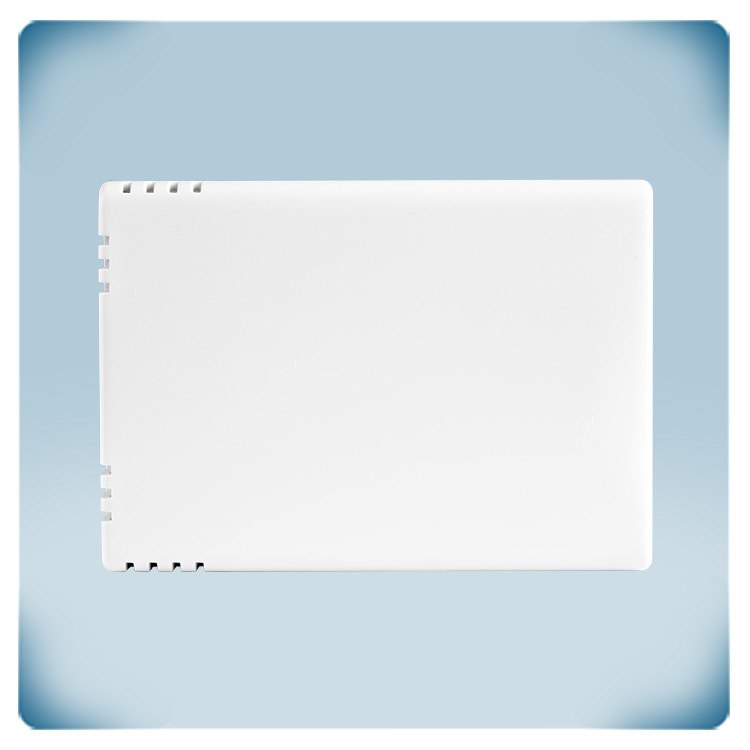
A temperature sensor (PT500 technology) is required to measure the ambient temperature. Sentera offers different types of compatible PT500 temperature sensors (see related articles below). These sensors are available in different enclosures: Room - probe - duct

Remarks, reviews & ratings