

How to log data in SenteraWeb?
First you have to select which parameters (input registers) you want to log.
This can be done via installation details. Select a device and click edit.
In the column Log this value it is possible to add a check mark and to select which parameter (input registers) you want to log:
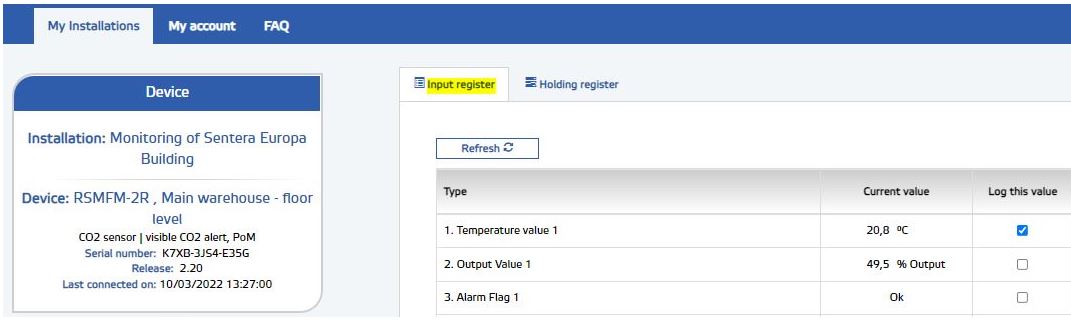
Click Submit to confirm. The data of the selected input registers will be logged every 15 minutes. This interval is fixed and cannot be adjusted.
To see or download the logged data, select your installation and open the dashboard.
Next to the refresh button there is a pictogram of a chart:
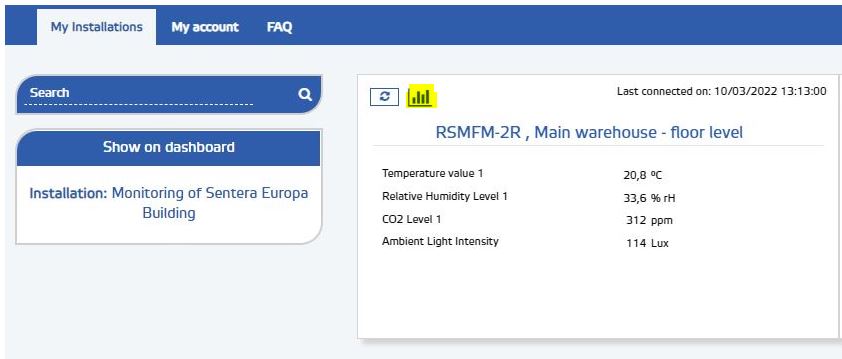
By clicking the chart pictogram, the logged data are shown.
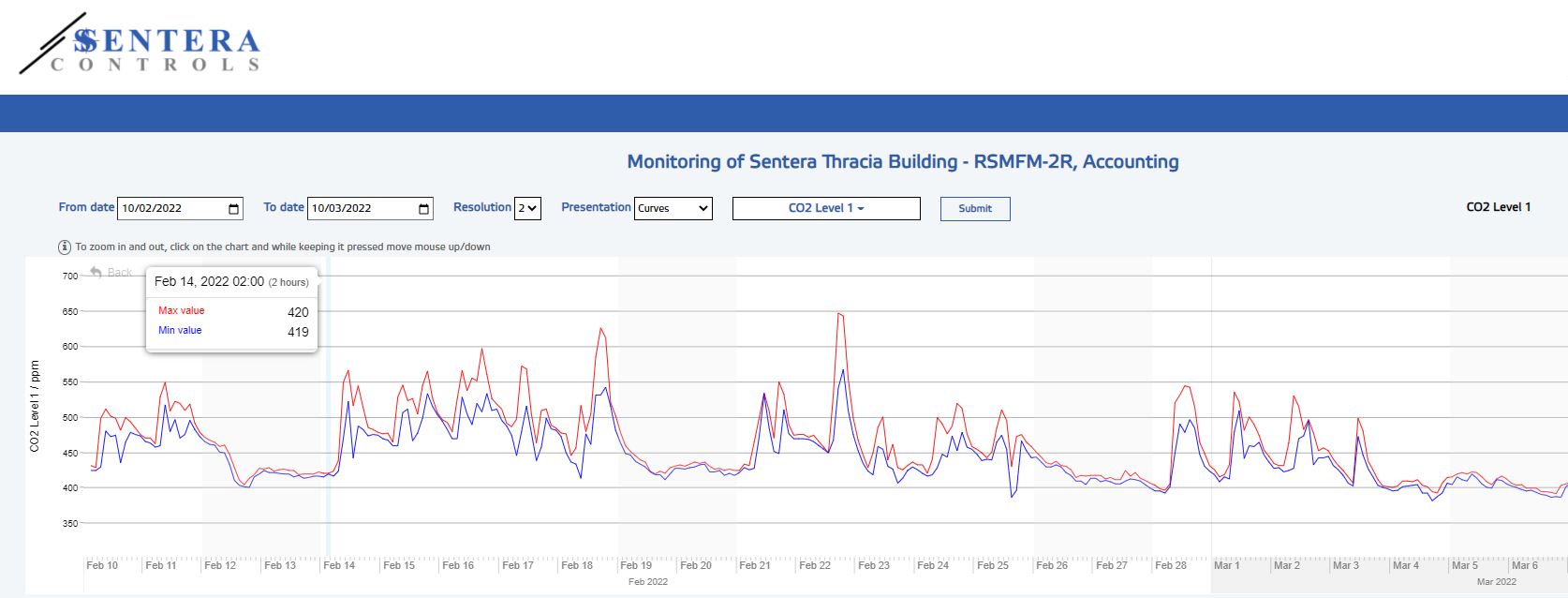
It is possible to select the from-to dates, the diagram type and the logged value. At the right side, there is the download button to open an Excel sheet with the logged data.